Upload everything, sort nothing
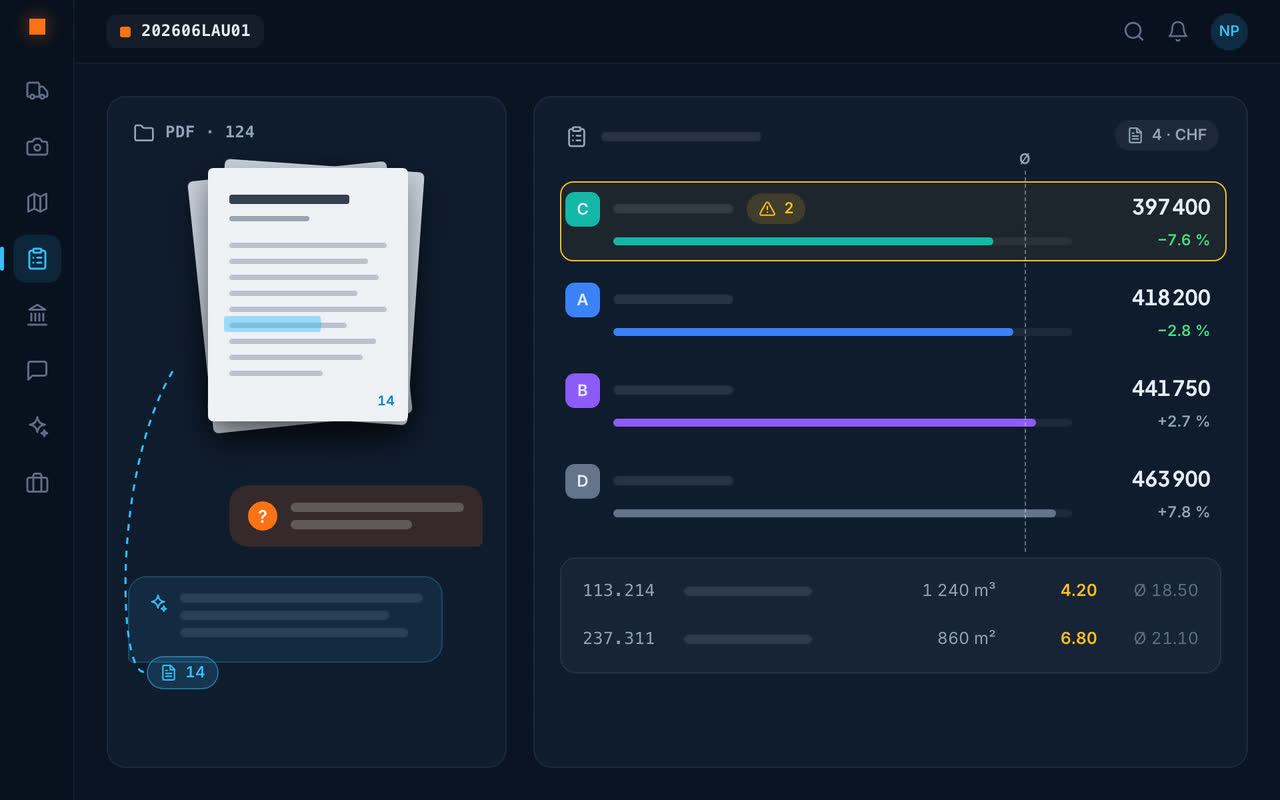
A file of over a hundred documents is uploaded in one go, with its sub-folders. Geovio recognises what arrives – tender file, minutes, contract, report, standard, priced bid – and names it by its real name.
What you ask it
A precise question
“Where should the site installation area go?”: the answer, with document and page.
A document
“Open the technical report”: the document is found by its name and opens straight away.
A contradiction
When two documents contradict each other, the answer takes the contractual order of precedence into account.
From discovery to bid
A tender spotted by the SIMAP monitoring goes into Analyse to be examined, then the bill of quantities is built in Tenders. Nothing is re-typed.
The questions every tender raises
Submission deadline and place, compulsory site visit, award criteria and their weighting, required guarantees, late-completion penalties, permitted variants: these are the questions asked of every file. Geovio answers them with the document and page as evidence, and the cited document opens so you can check.
The same tool reads meeting minutes and contracts: “What did we agree on deadlines at the meeting on 12 March?” finds the answer in the right set of minutes.
Frequently asked questions
How can a tender file be reviewed quickly?
Upload it whole to Geovio and ask your questions: every answer cites the document and the page it is based on.
Can the AI make up an answer?
It always cites the document and page its answer is based on, and says plainly when the document doesn't answer.
Which documents can be questioned?
Tender files, minutes, contracts, reports, standards and priced bids.
What questions should I ask of a tender file?
The submission deadline and place, the site visit, the award criteria and their weighting, guarantees, penalties and permitted variants: every answer cites the document and the page.