One link, and the client sees their site
From the site page, “Share progress” gives a link to send to the client. They open it on their phone or computer and see the name and address of the site, then the photos sorted by day, most recent first, each with a short caption.
They see neither the documents, nor the notes, nor the team's chat: only the photos. The link can be revoked in one click, and a new link replaces the old one whenever you wish.
A QR code on the site board
The progress link also has its QR code, to print and put up on site: on the site board or the door of the home, a scan opens the progress page. Neighbours and future occupants see the progress without asking anything.
The team already takes the photos
The foreman and the workers take photos as usual from the app; every photo is filed in its site, dated and described by AI. The client's progress page keeps itself up to date without anyone sorting or sending anything.
Who it is for
Private clients
The owner of a house or garden follows the work from home.
Property managers and project owners
They see the progress without travelling or asking for photos.
Site supervision
It can also join the site with its code and see more.
The contractor
Fewer calls, fewer inspection visits, a reassured client.
And when more than a stream of photos is needed
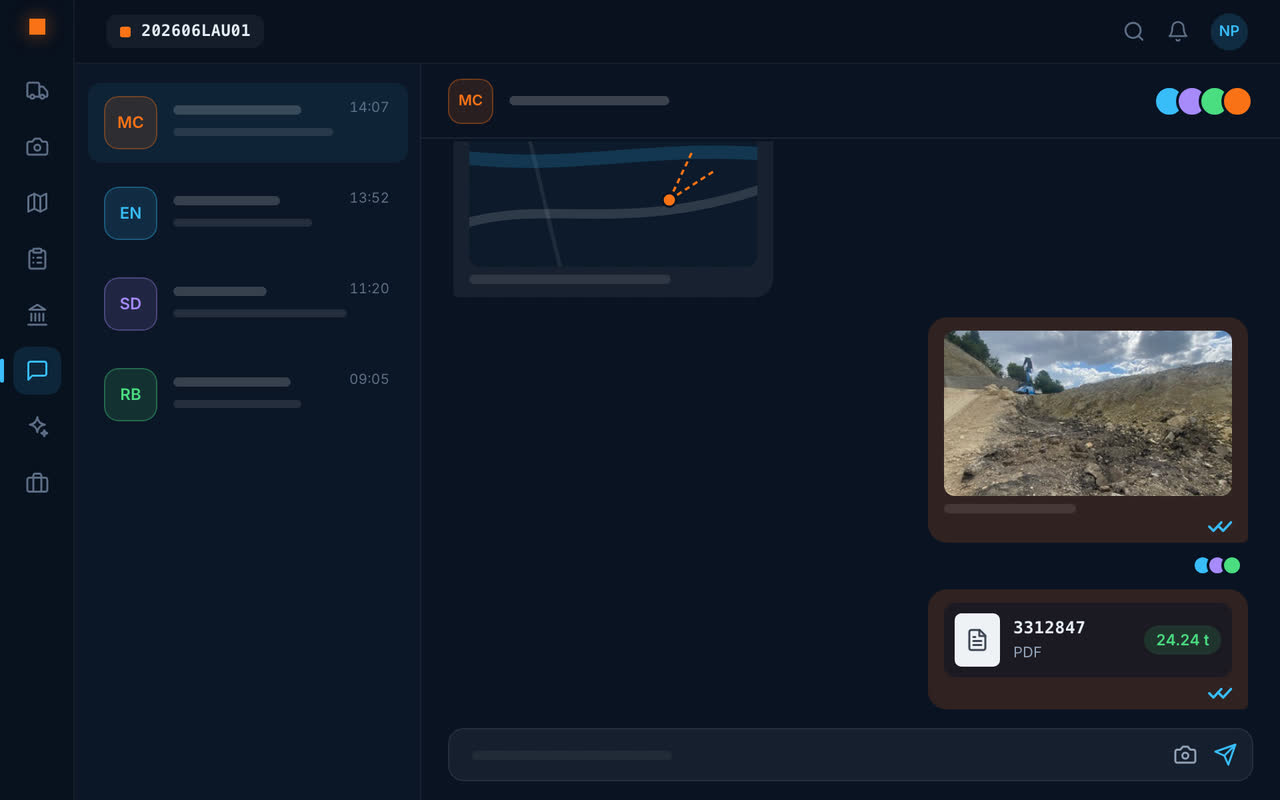
The site report is written from the chosen photos and sent as a PDF; large files are sent via a download link; the site chat brings together the stakeholders who have a code.
Frequently asked questions
How can construction progress be shown to a client?
With Geovio, send them the site's progress link: they see the photos taken by the team, sorted by day, with no account or app to install.
Does the client see the whole site?
They see the site photos and their short captions, not the team's documents, notes or messages.
Can access be cut off?
Yes: the link can be revoked from the site, and it stops working if the site is deleted.
Can the progress be displayed on site?
Yes: the link has its QR code, to print and put up on the site board; a scan opens the progress page.