The status of every site, without picking up the phone
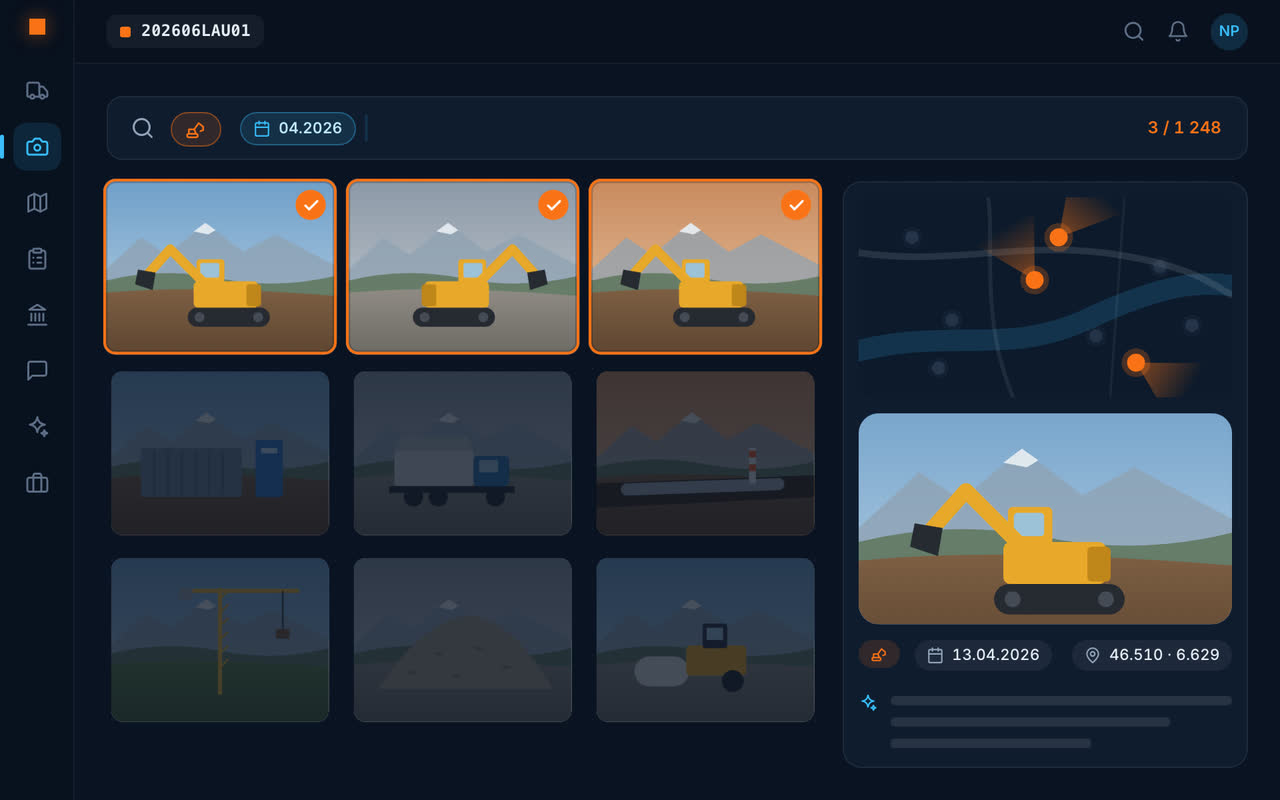
The foreman and the teams take photos; drivers photograph their tickets; everyone logs their hours. The site manager opens the site and sees the day's photos, the tickets received, the hours and the chat.
A photo from March is found again by typing “south trench March”, and the assistant answers “how many tonnes of soil material have left the Bel-Air site?”.
What the site manager gets
Site follow-up
Photos, tickets, hours and messages, site by site.
Reports
The report is written from the chosen photos, then sent as a PDF.
Materials removed
Disposal and weighbridge tickets read by AI, the summary and the Excel export.
Hours and T&M work
Team hours per job, time-and-materials reports signed on site.
Site chat
One conversation per site, with photos and read receipts.
Tenders and quotes
The bill of quantities with NPK/CAN positions, the quote, then the invoice.
Teams only have one gesture to learn
The field app is limited to what is useful on site: take photos, send a ticket, log hours, read the plan, write in the site chat. Offline, everything waits on the phone and is sent when the network returns.
With site supervision and the client
Each stakeholder joins the site with their code and sees what their role opens to them. Discussions stay in the site chat, with the photos, instead of getting lost in emails.
Frequently asked questions
What software for a site manager?
A tool the teams actually use on site, so that information reaches the office without being re-typed. Geovio brings together photos, AI-read disposal tickets, hours, messages and reports, site by site, on the phone and on the web.
How can several sites be followed at once?
In Geovio, every site has its page with its photos, tickets, hours and chat; the map shows all the company's sites.
Does Geovio schedule the teams?
No: Geovio documents and follows what is done on site; it does not replace a scheduling tool.