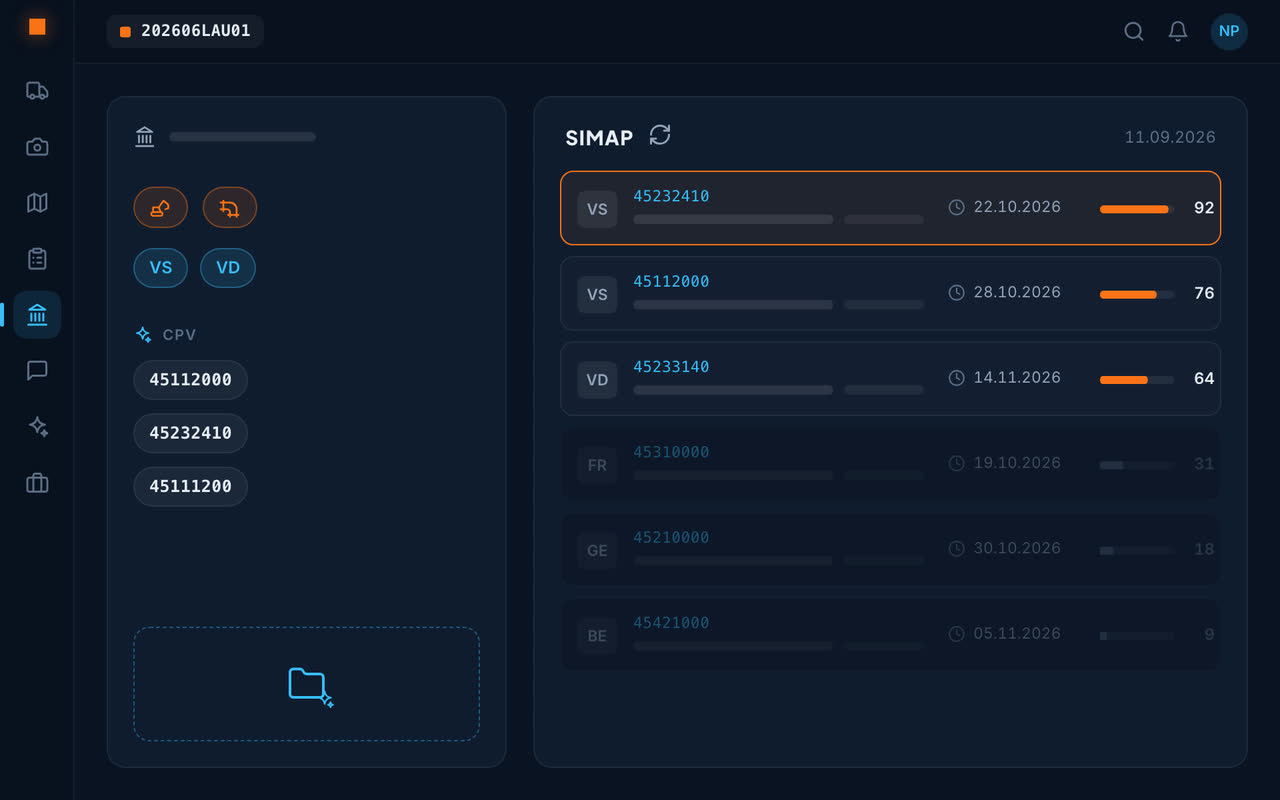
Describe your trade, not keywords
“Earthworks and sewers in the canton of Vaud” is enough: search terms and CPV codes are built automatically, and corrected if the first sort misses the mark.
How the monitoring sorts
Checked every day
SIMAP is checked daily, with nothing to do.
Sorted by relevance
Every tender is scored against your trade; what concerns you comes to the top.
Contracts you've won
They are read once and for all and describe your field better than a form.
On to the file
A chosen tender goes into Analyse to be examined.
For contractors and engineering firms
Construction and civil engineering contractors, landscapers, electricians, design offices: the monitoring starts from what you do and the cantons you work in.
An example setup
A landscaper on the Vaud Riviera writes: “exterior landscaping, green space maintenance and planting, cantons of Vaud and Fribourg”. The monitoring builds its search terms and CPV codes, checks SIMAP every day and scores each publication: a municipality's park maintenance rises to the top, the construction of an industrial hall stays at the bottom.
The sorting improves over time: when a publication is missed, you correct the description, and the contracts already won sharpen the company's field.
Frequently asked questions
How can I monitor SIMAP tenders?
In Geovio, describe your trade and cantons: SIMAP is checked every day and the tenders that concern you come up, scored by relevance.
Do I need to know the CPV codes?
No: they are built from the description of your trade.
What do I do with an interesting tender?
Examine it in Analyse, then build the bid.
Does the monitoring cover all public contracts?
It checks SIMAP, the platform where the Confederation, the cantons and a large share of municipalities publish their tenders; you choose the cantons you are interested in.